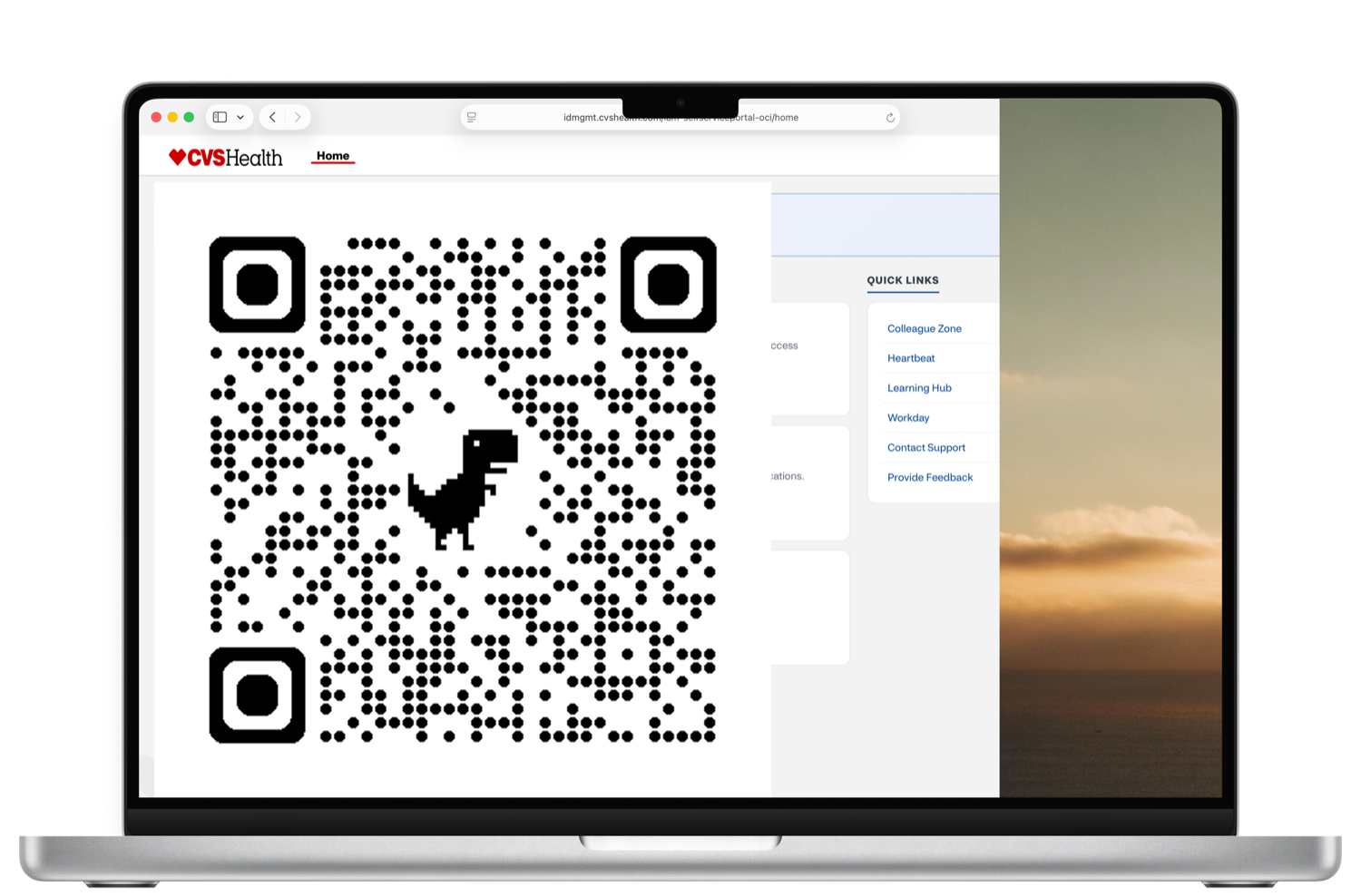
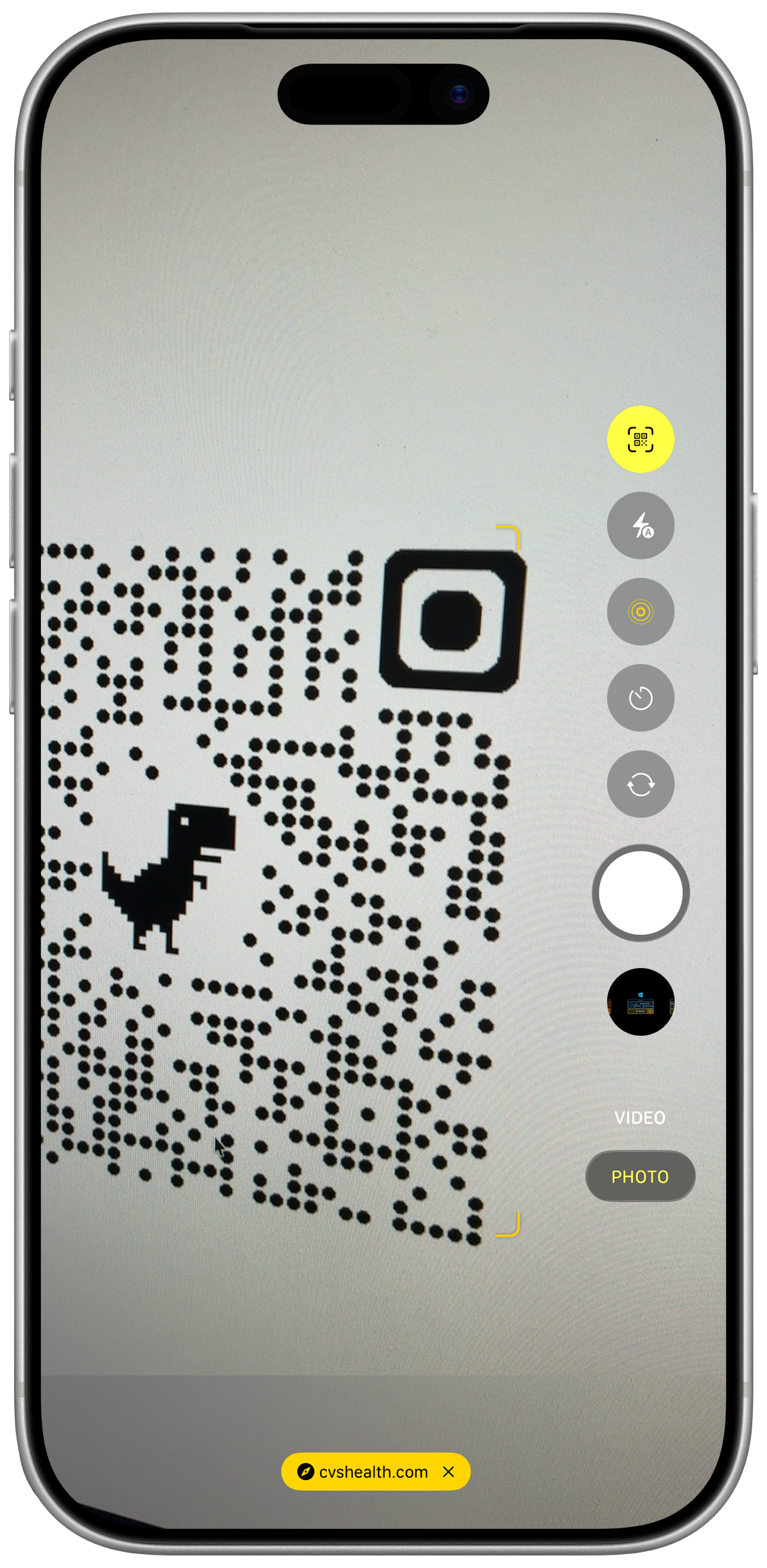
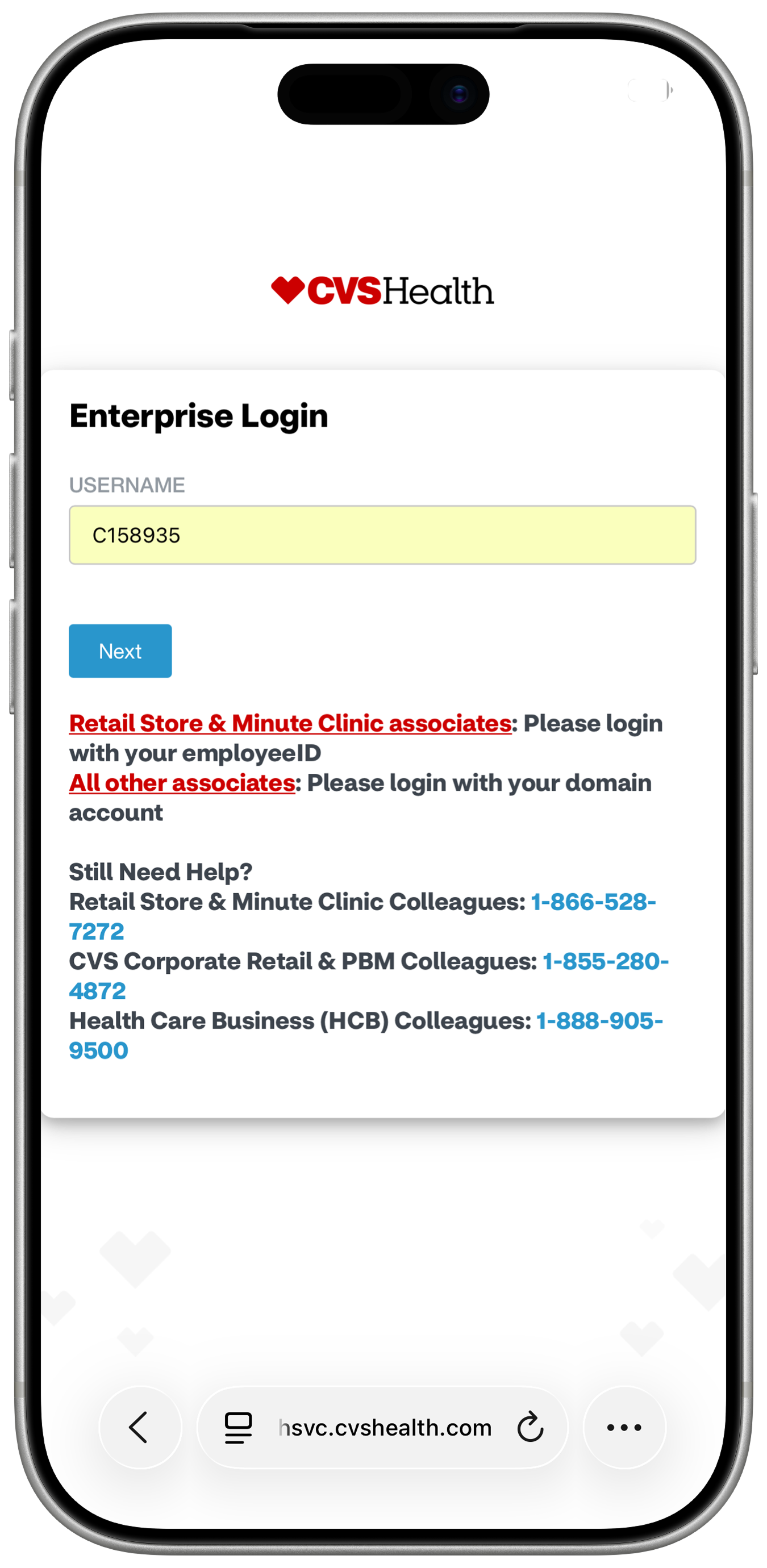
Scan the QR code with your phone's Camera app. It opens the CVS Health Enterprise Login.
Enter your username.
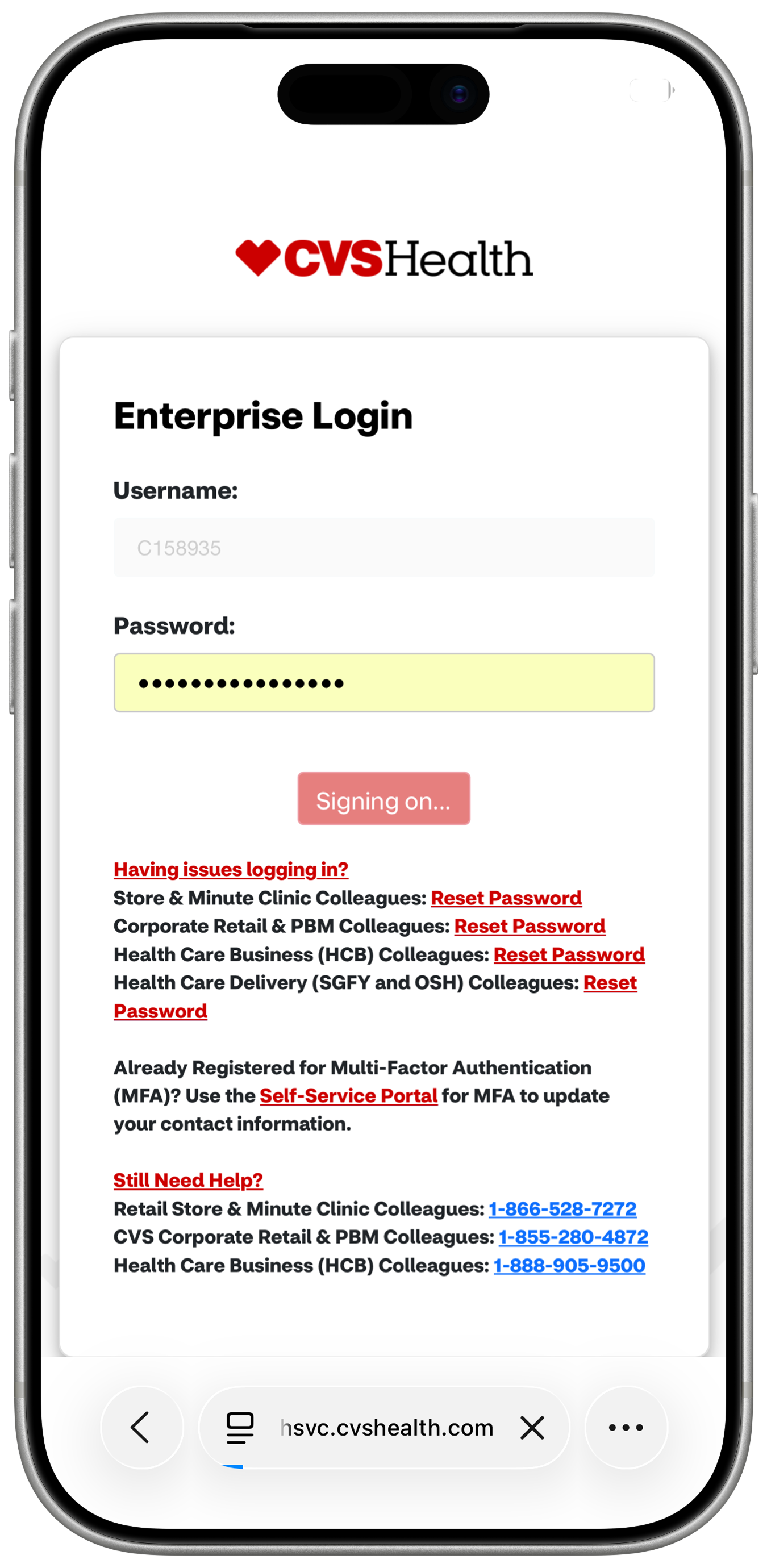
Enter your password.
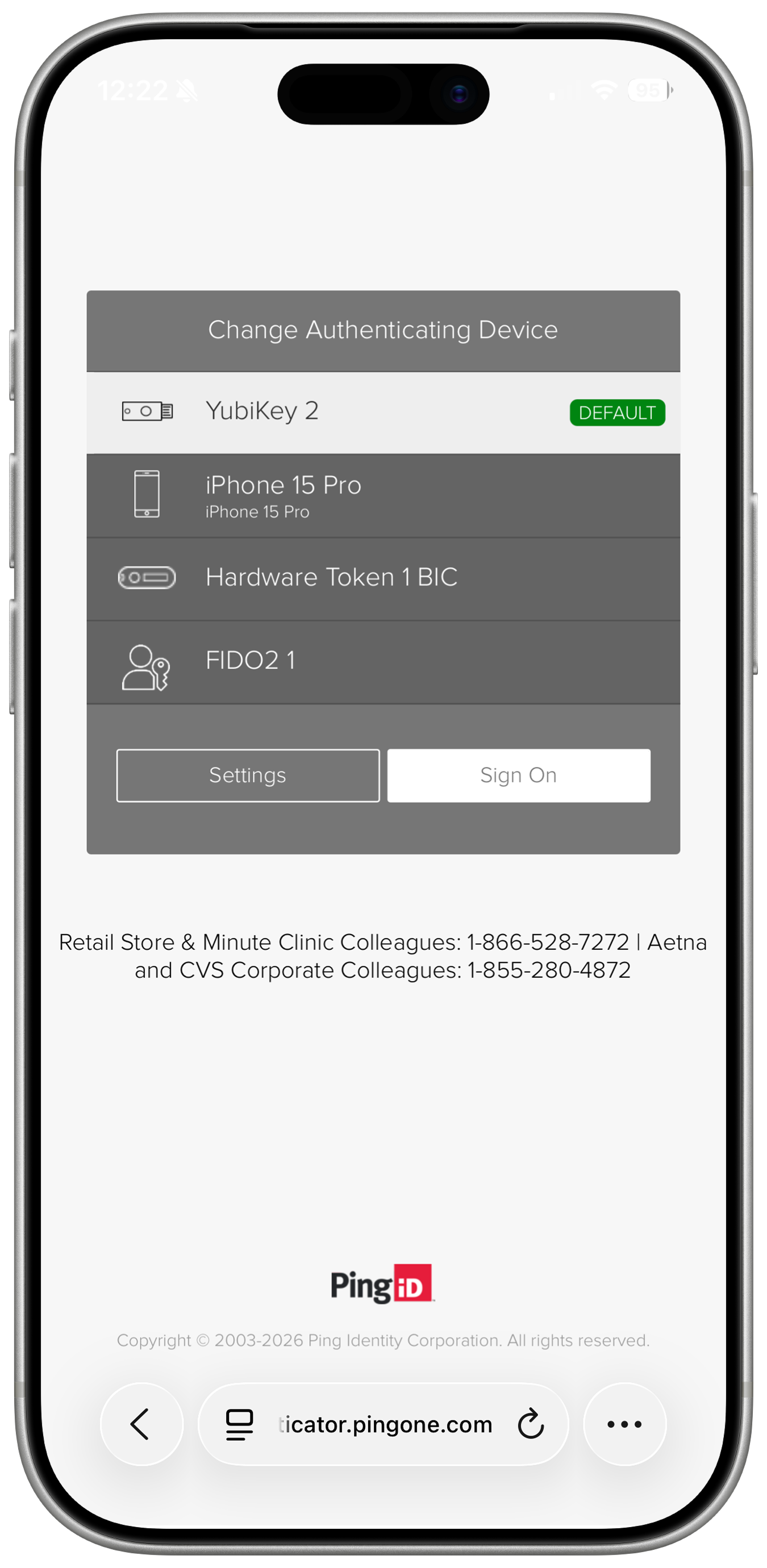
Choose an MFA method. This example uses the PingID mobile app.
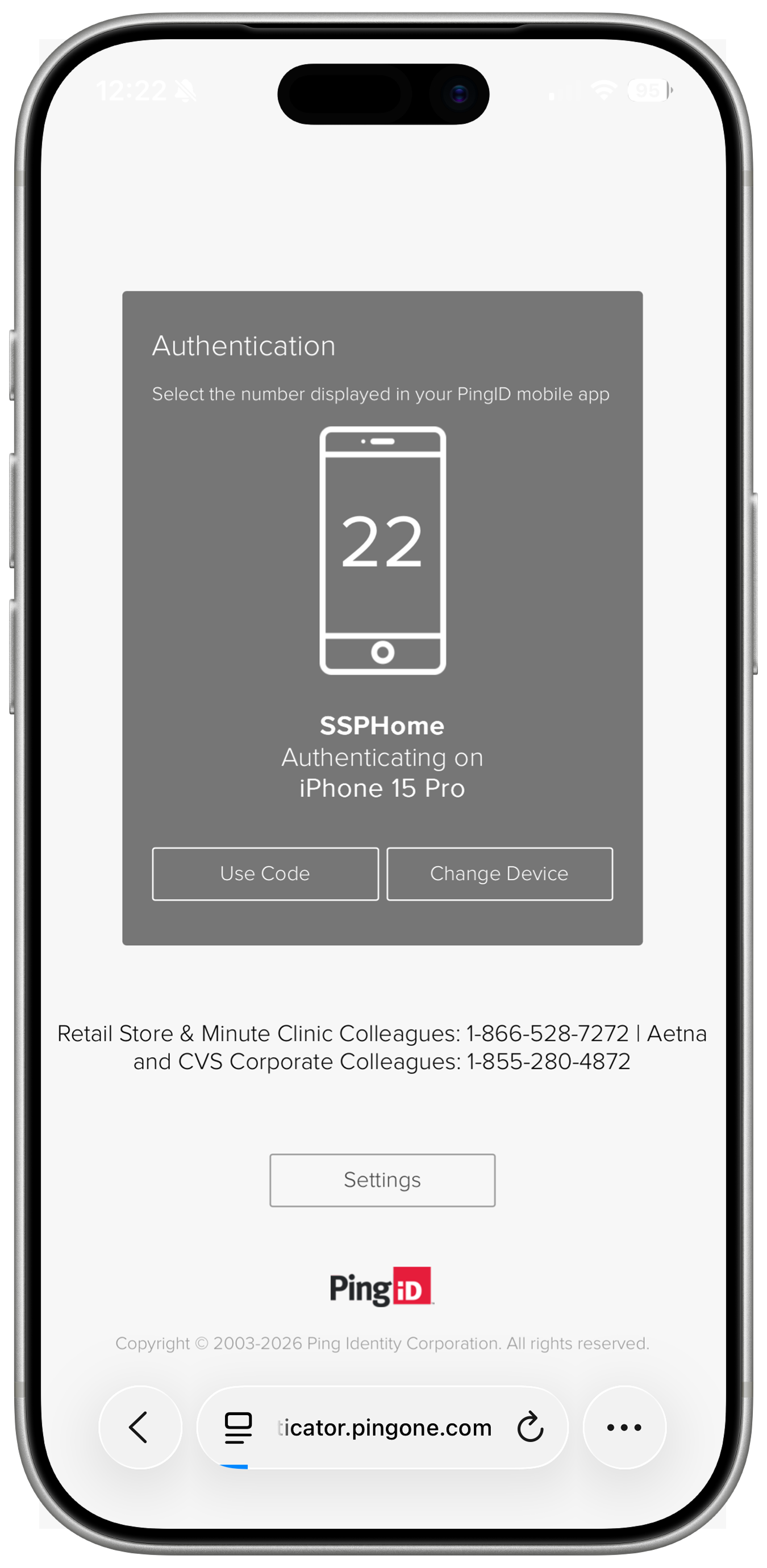
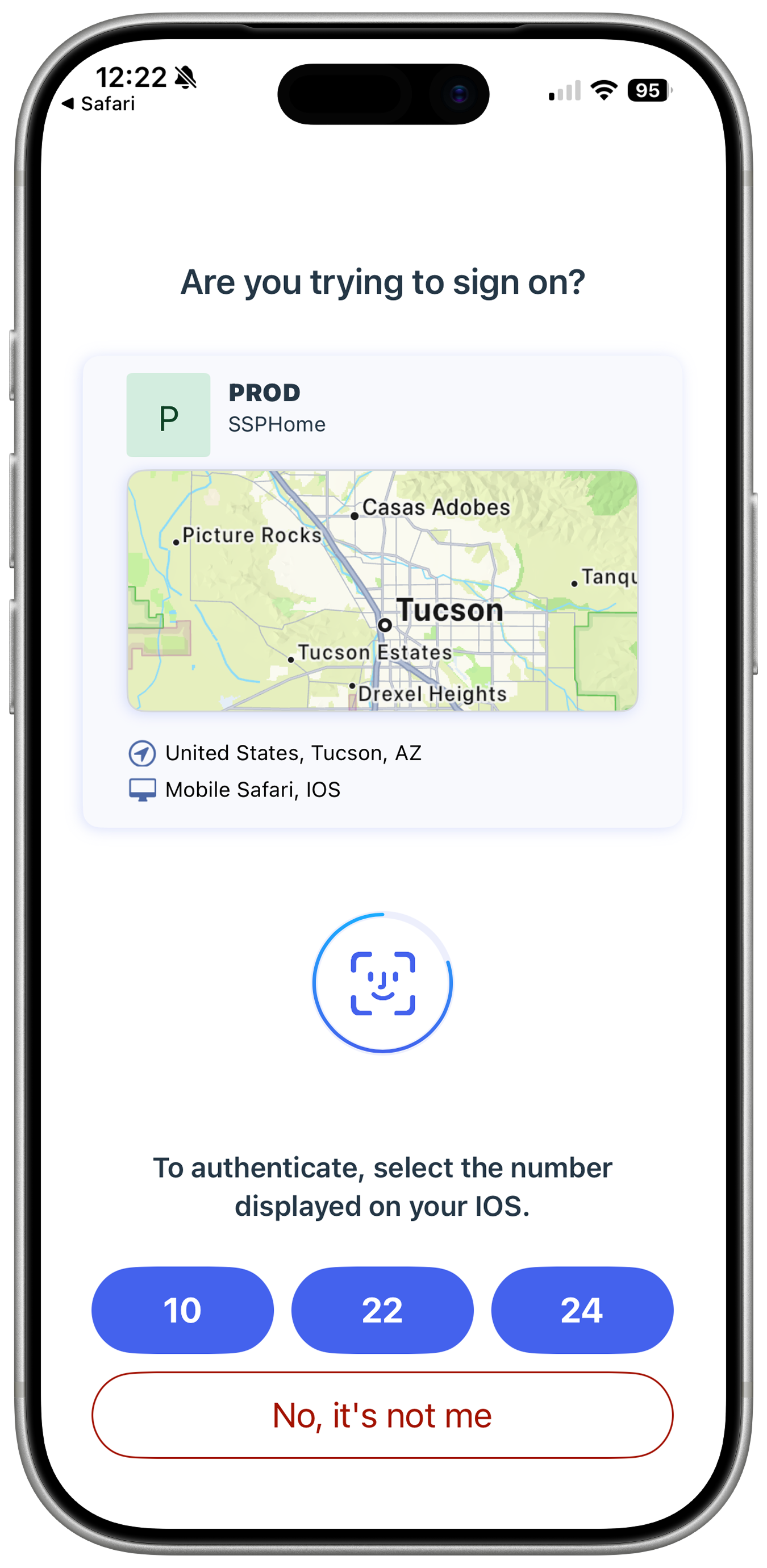
You'll get a notification to switch to the PingID app to authenticate — note the number shown.
Authentication can use number matching, a push approval, or entered digits. Here it’s number matching — tap the matching number.
After the number match, PingID confirms it’s you with Face ID.
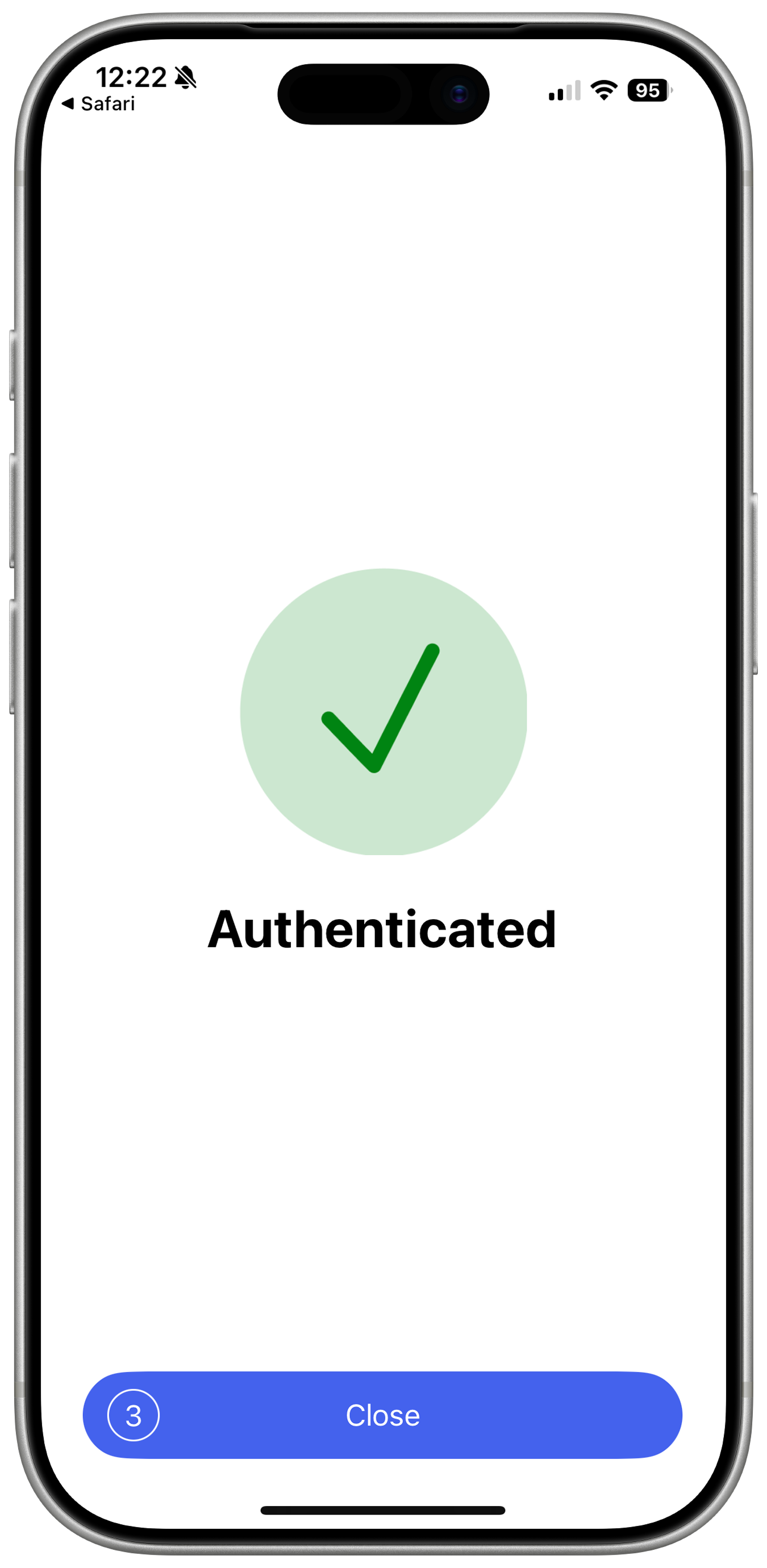
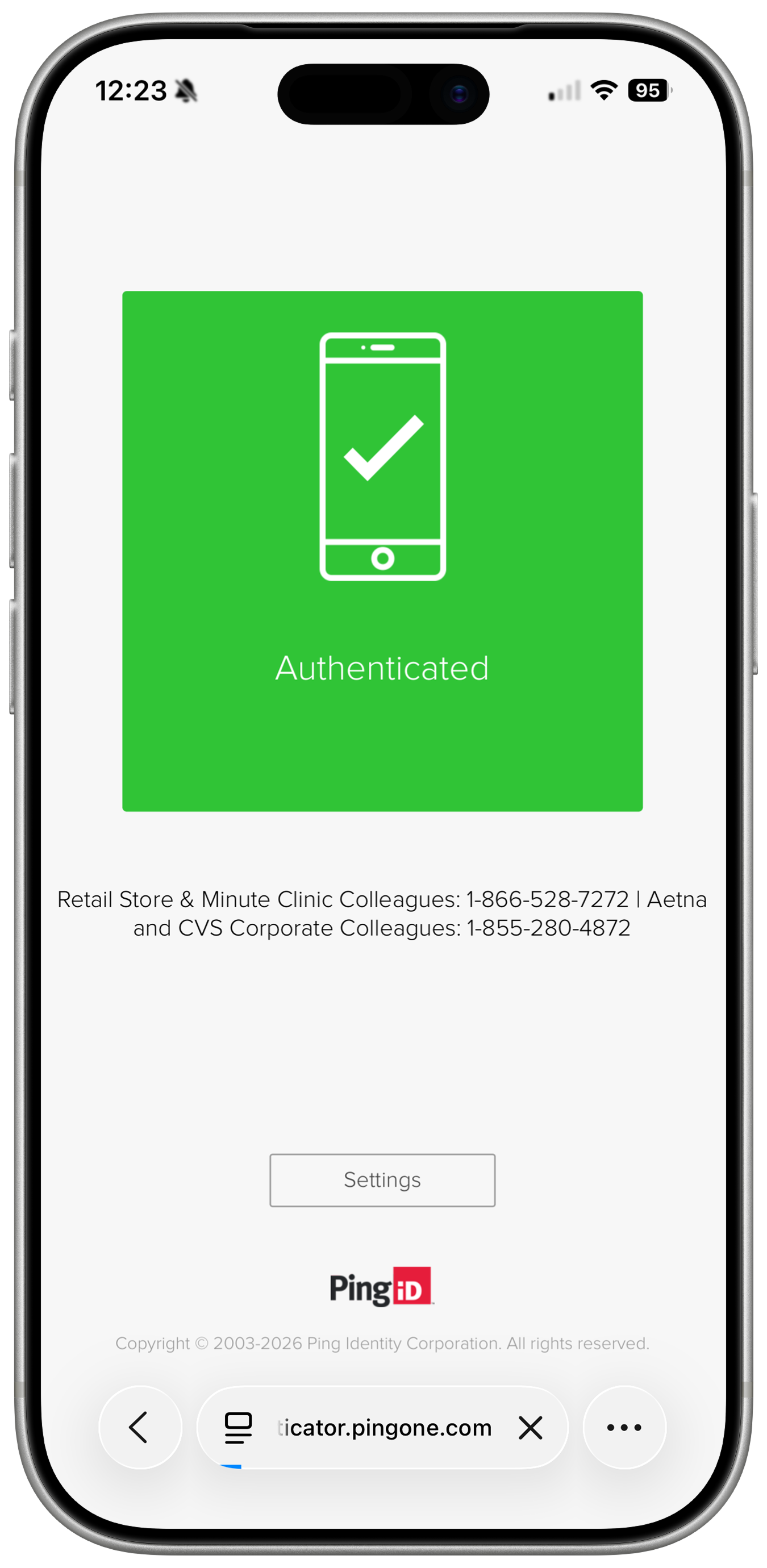
Once authenticated, switch back to your browser.
Enterprise Login is complete.
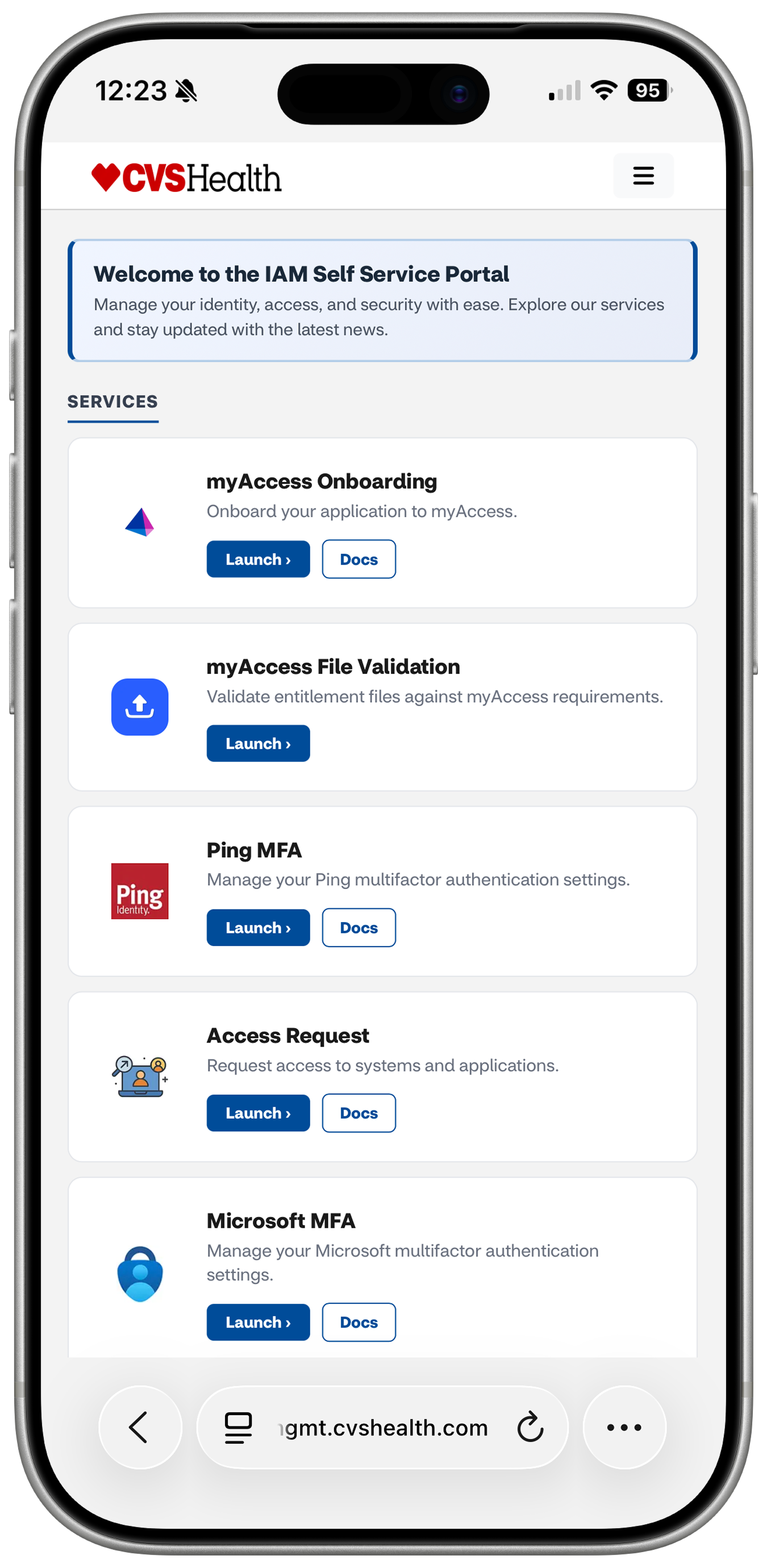
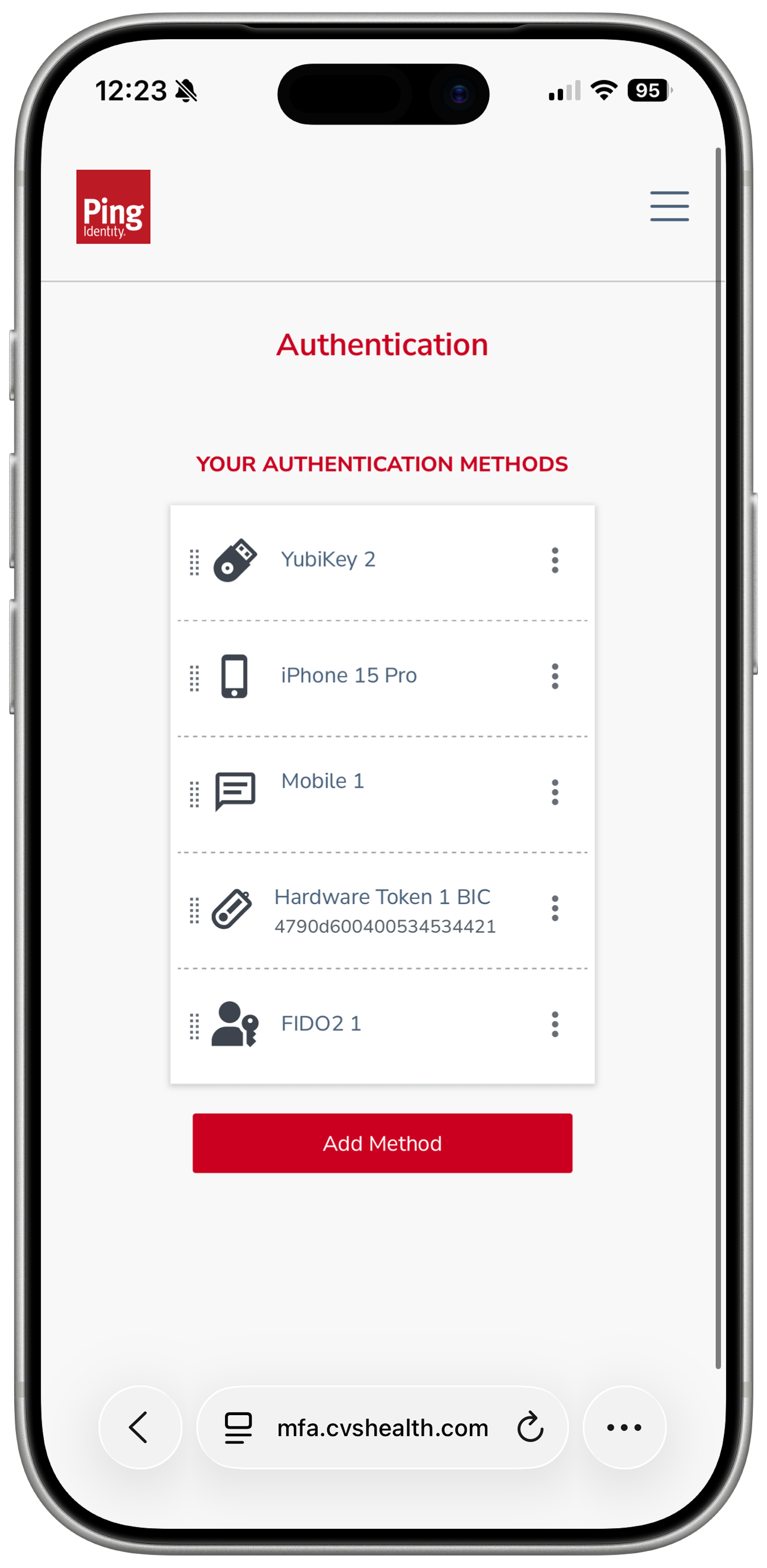
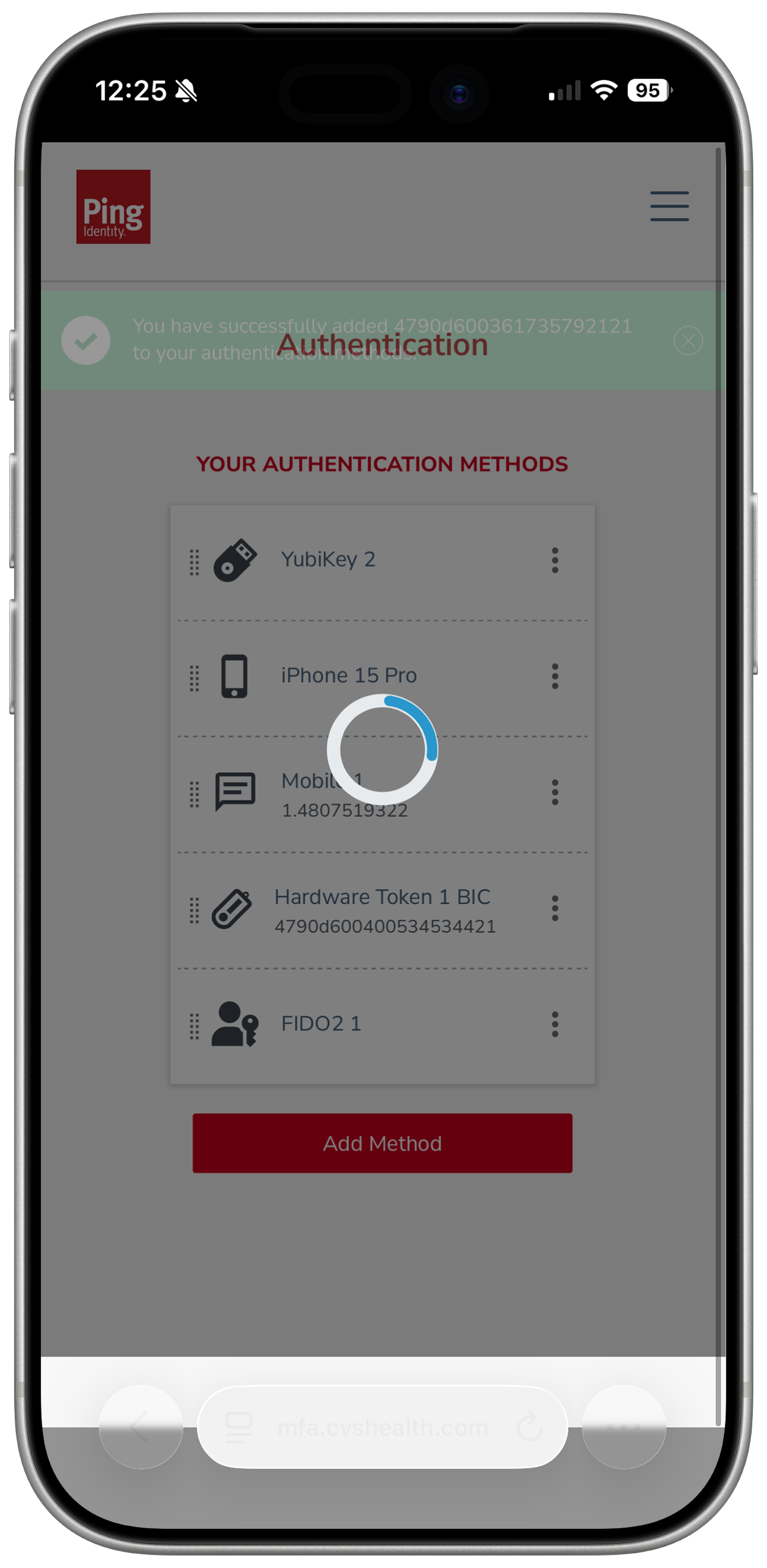
This is the Identity Management home — the Self-Service Portal.
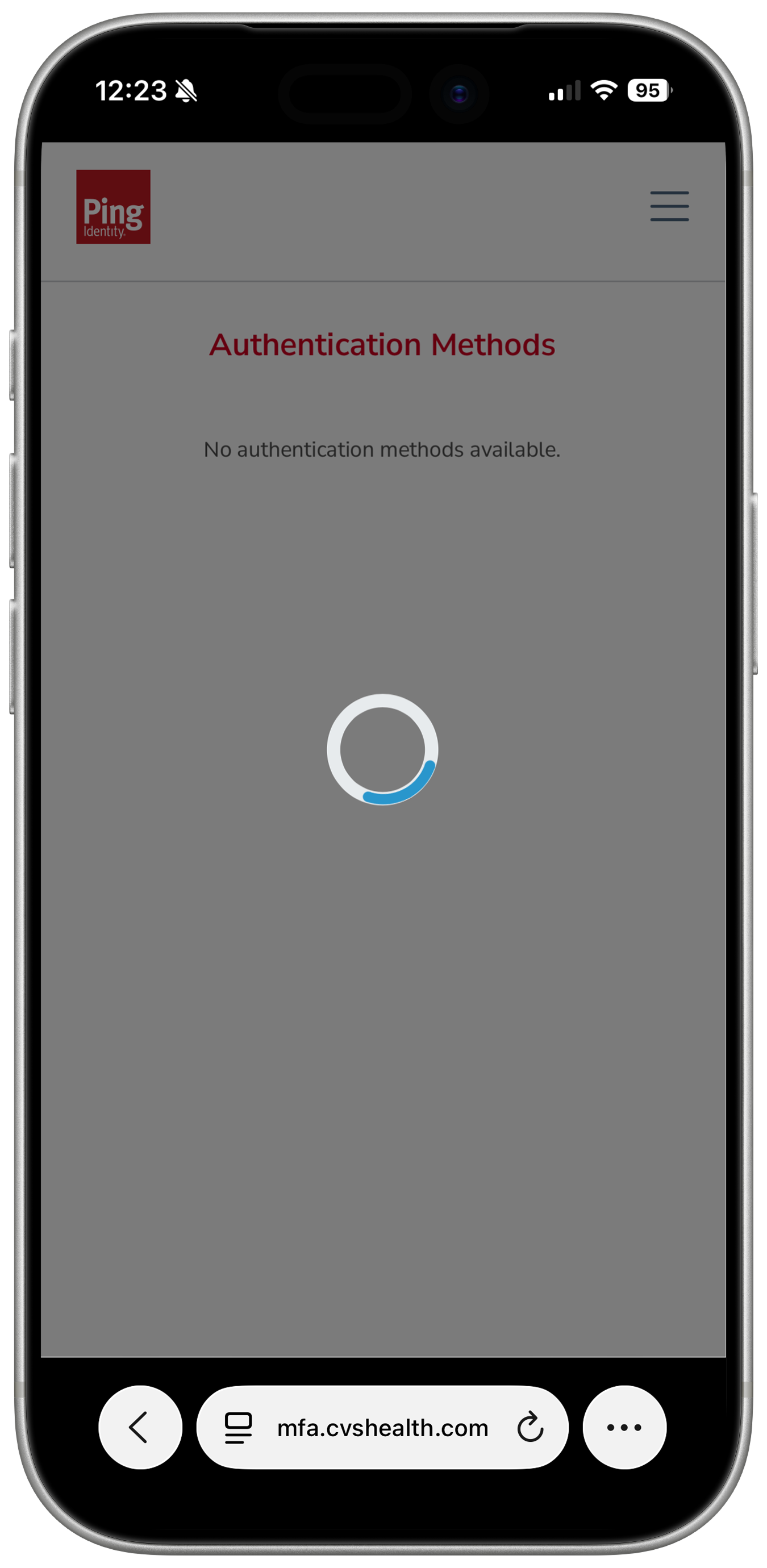
Select Ping MFA.
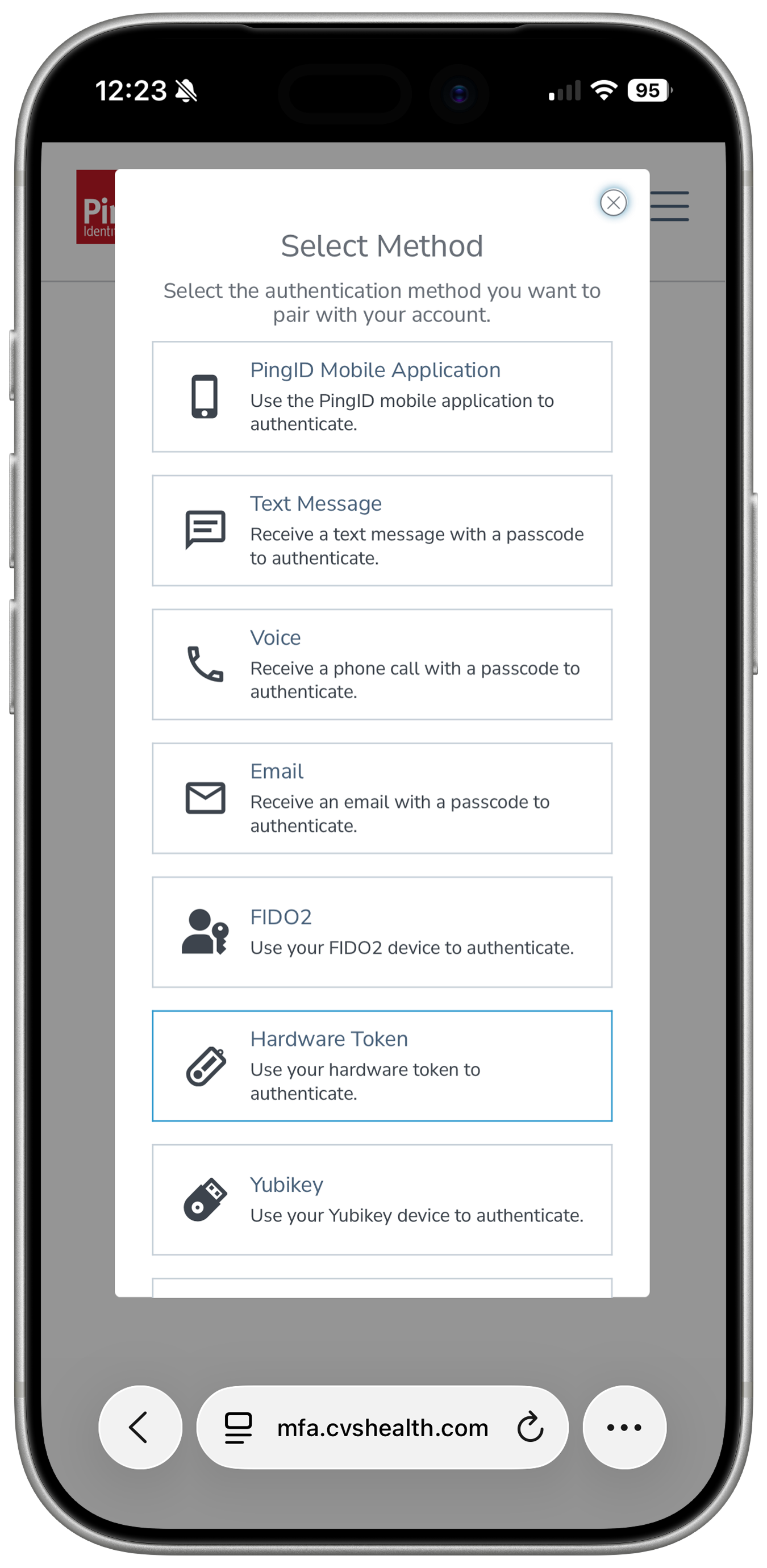
Select Add Method.
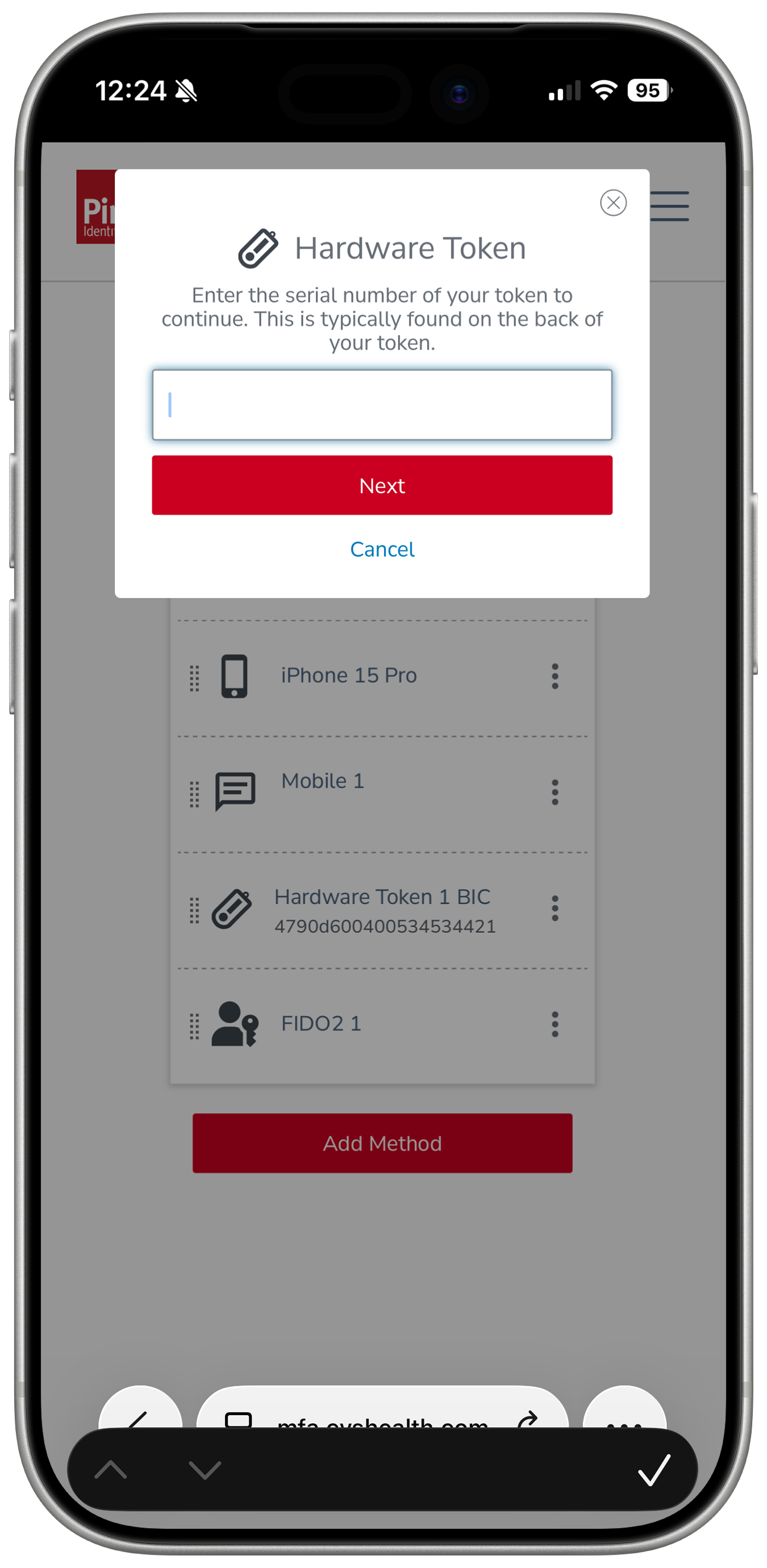
Select Hardware Token.
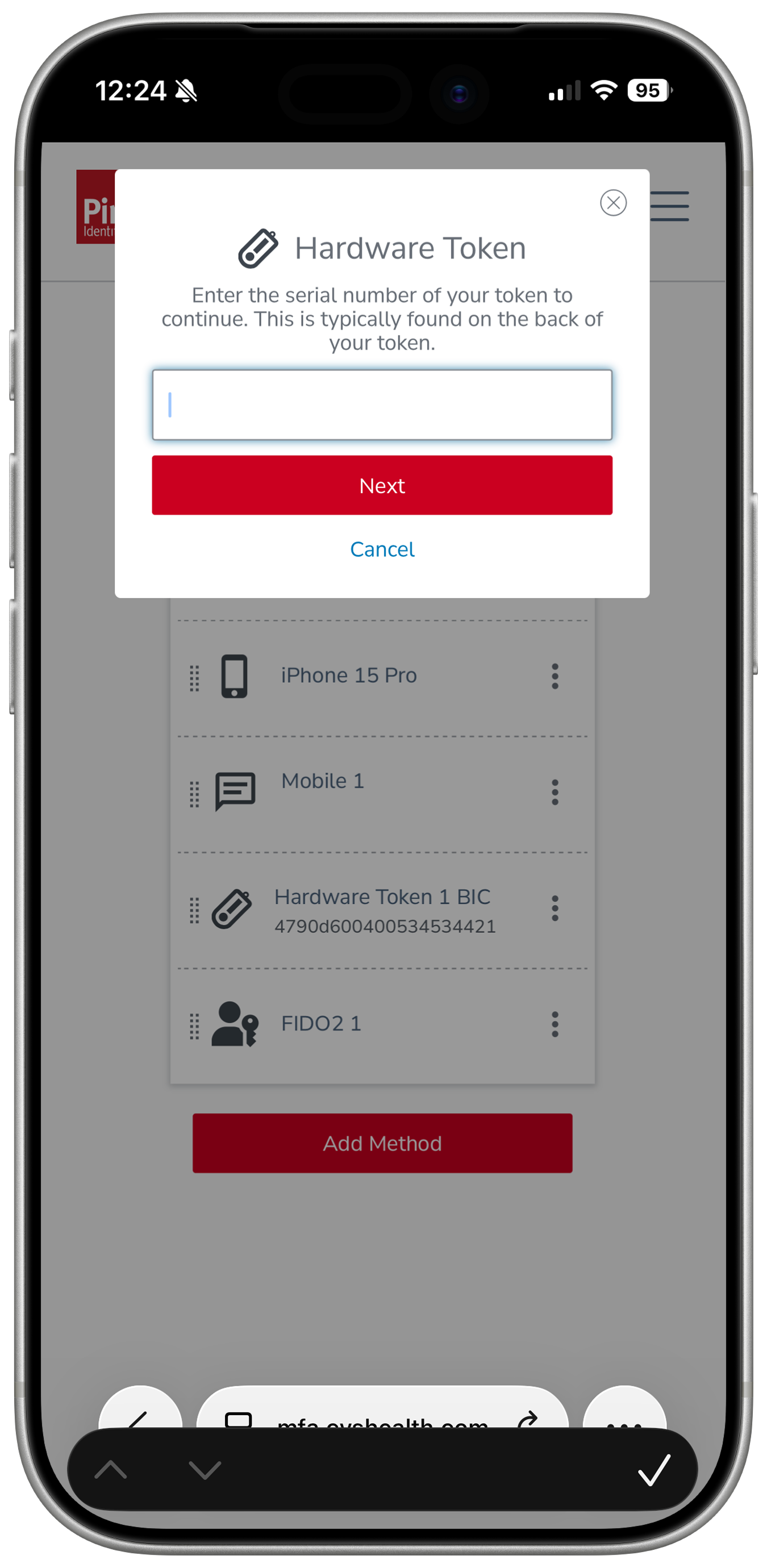
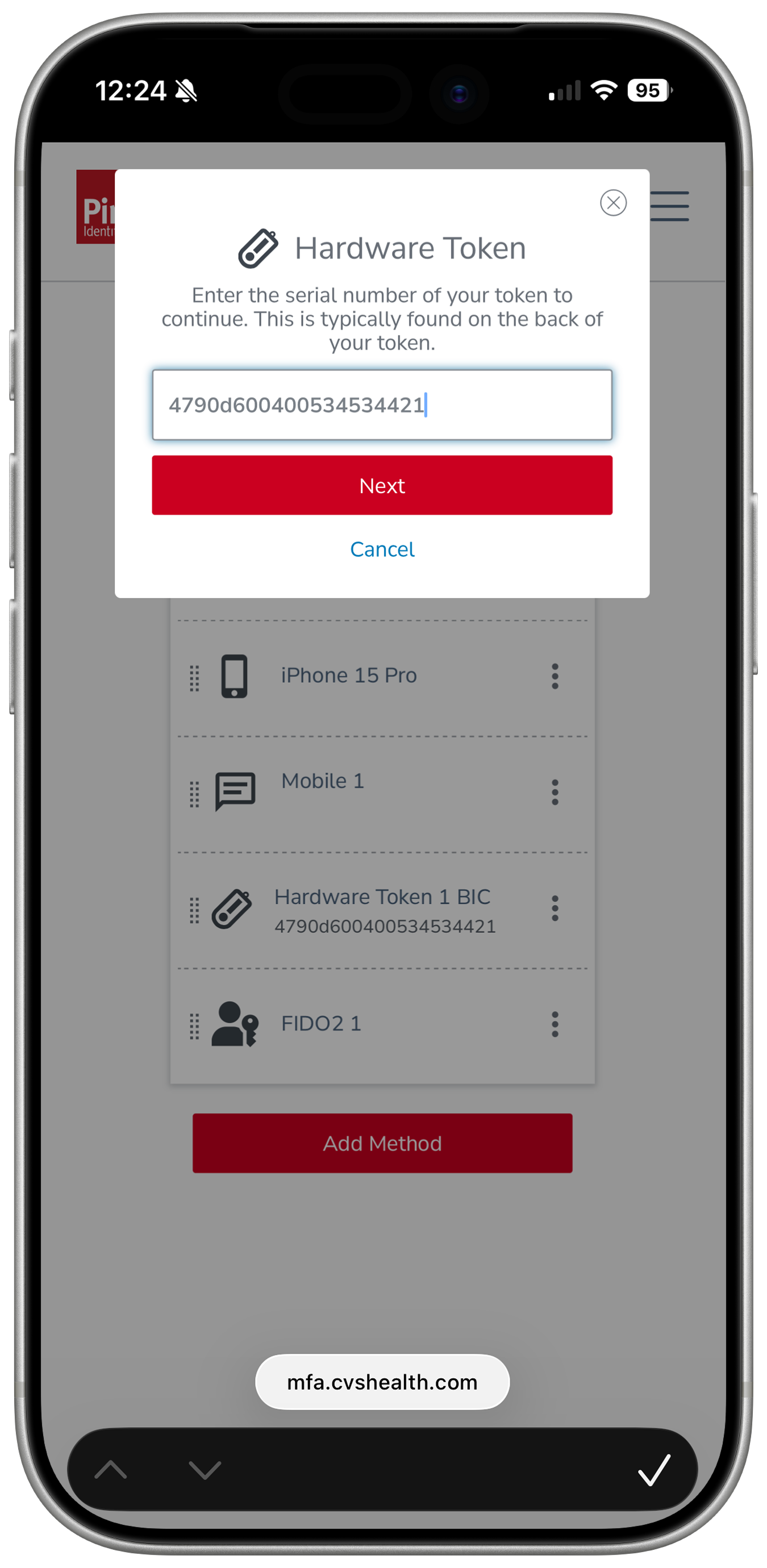
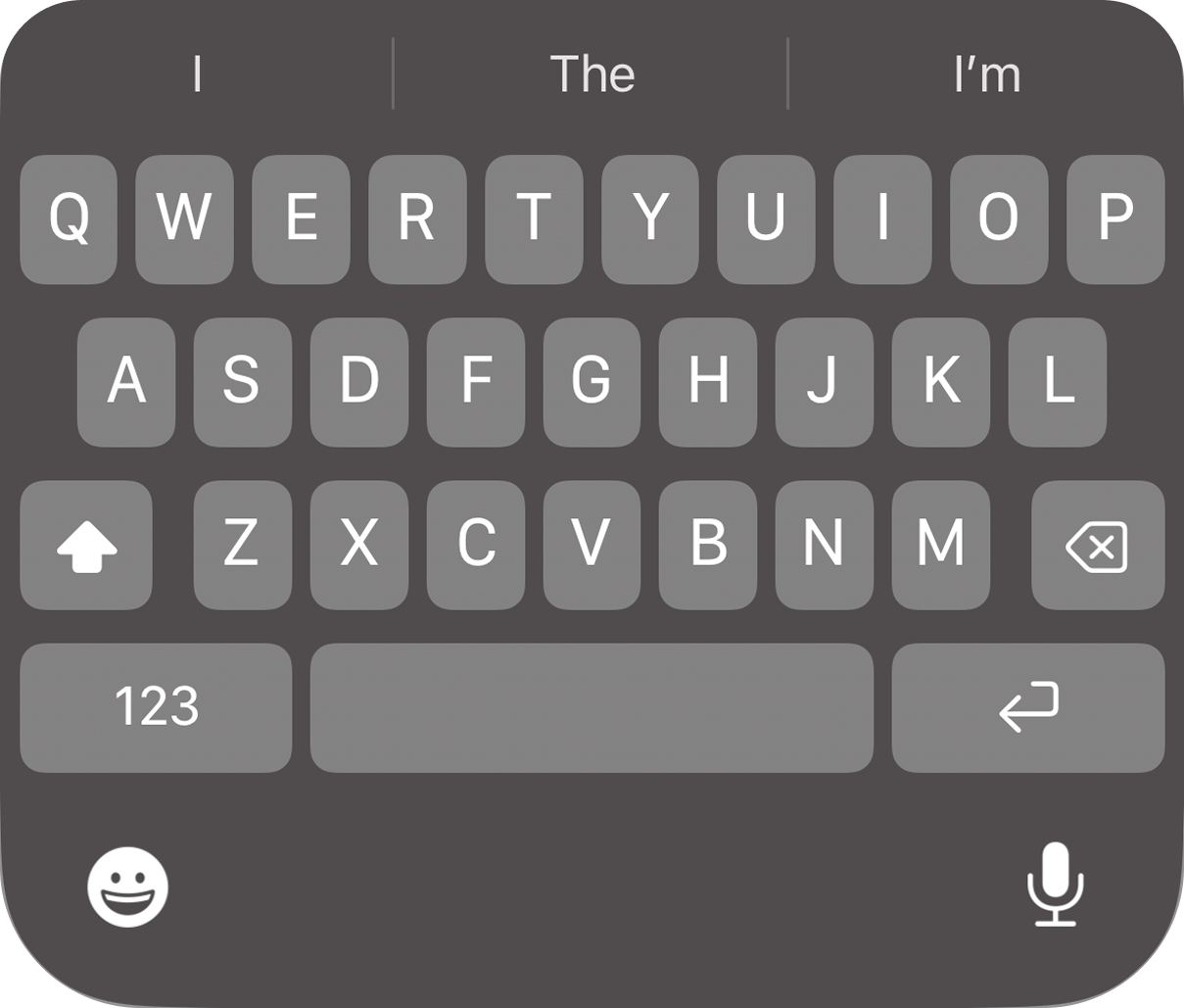
Plug in the HID key. The keyboard disappears because the key types for you.
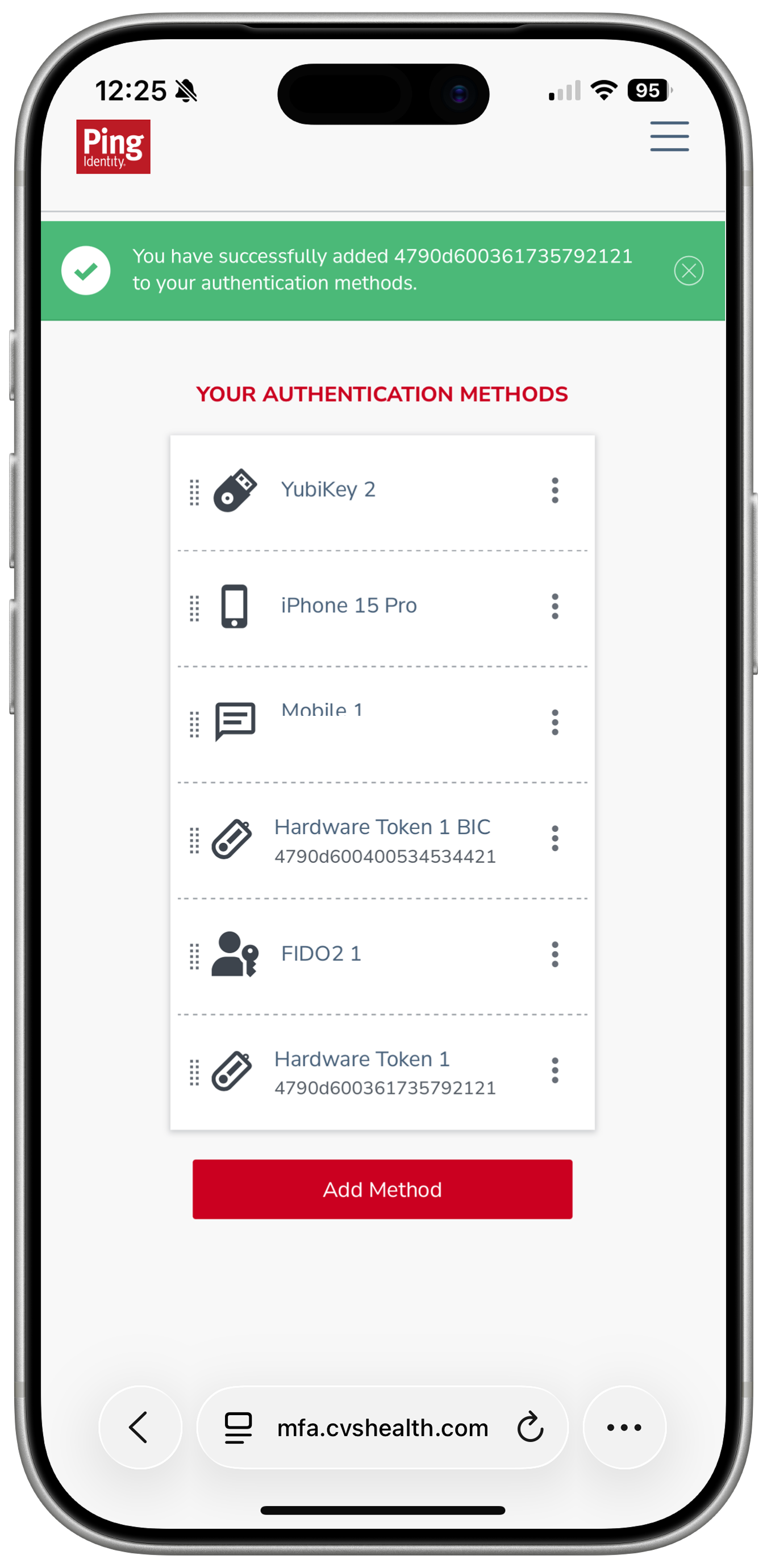
Press and hold the key for ~3 seconds until it flashes, then lift off. The key types your serial number.
Tap Next.
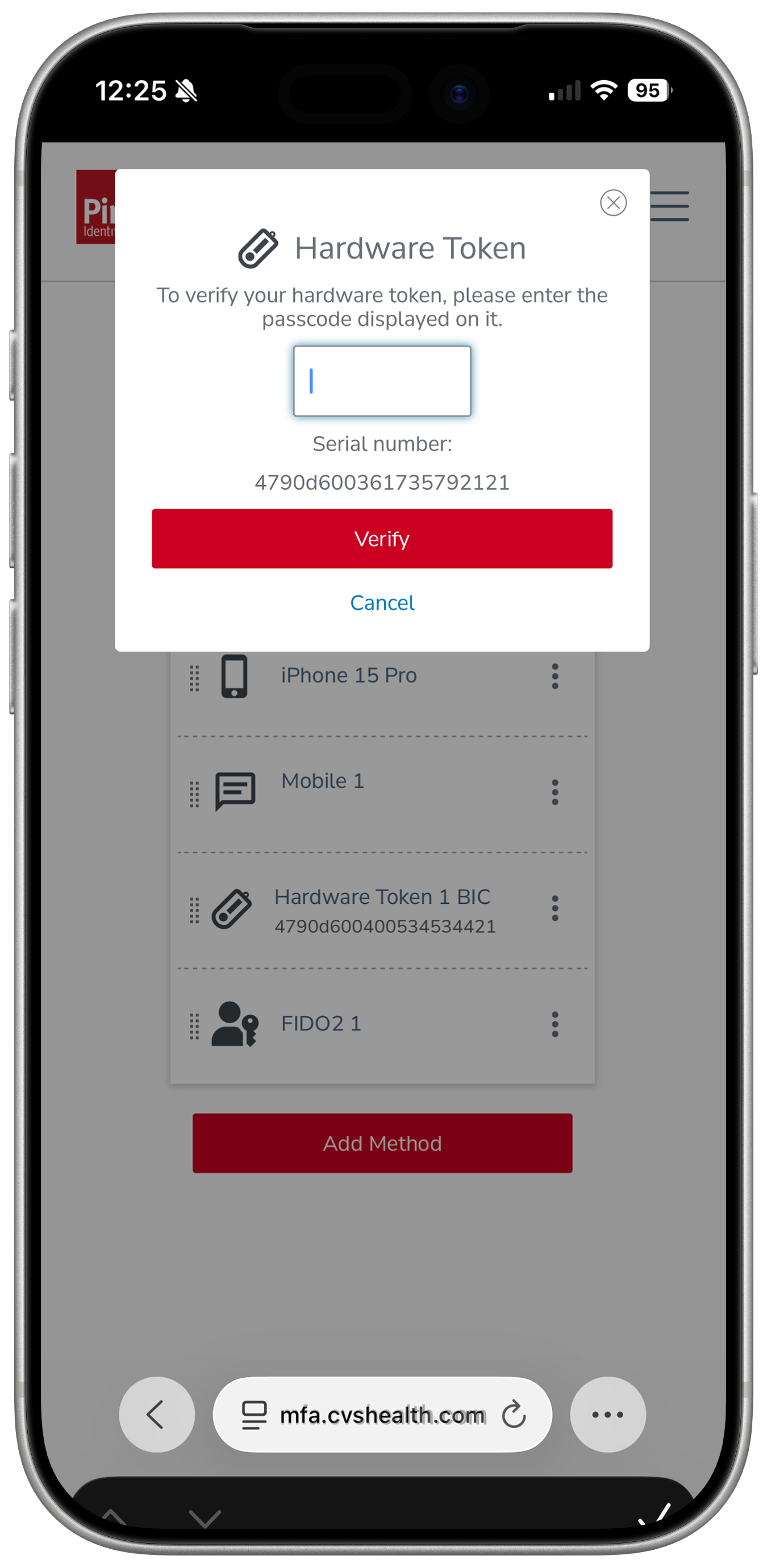
The page asks for a one-time passcode (OTP). Short-tap the key and lift off quickly.
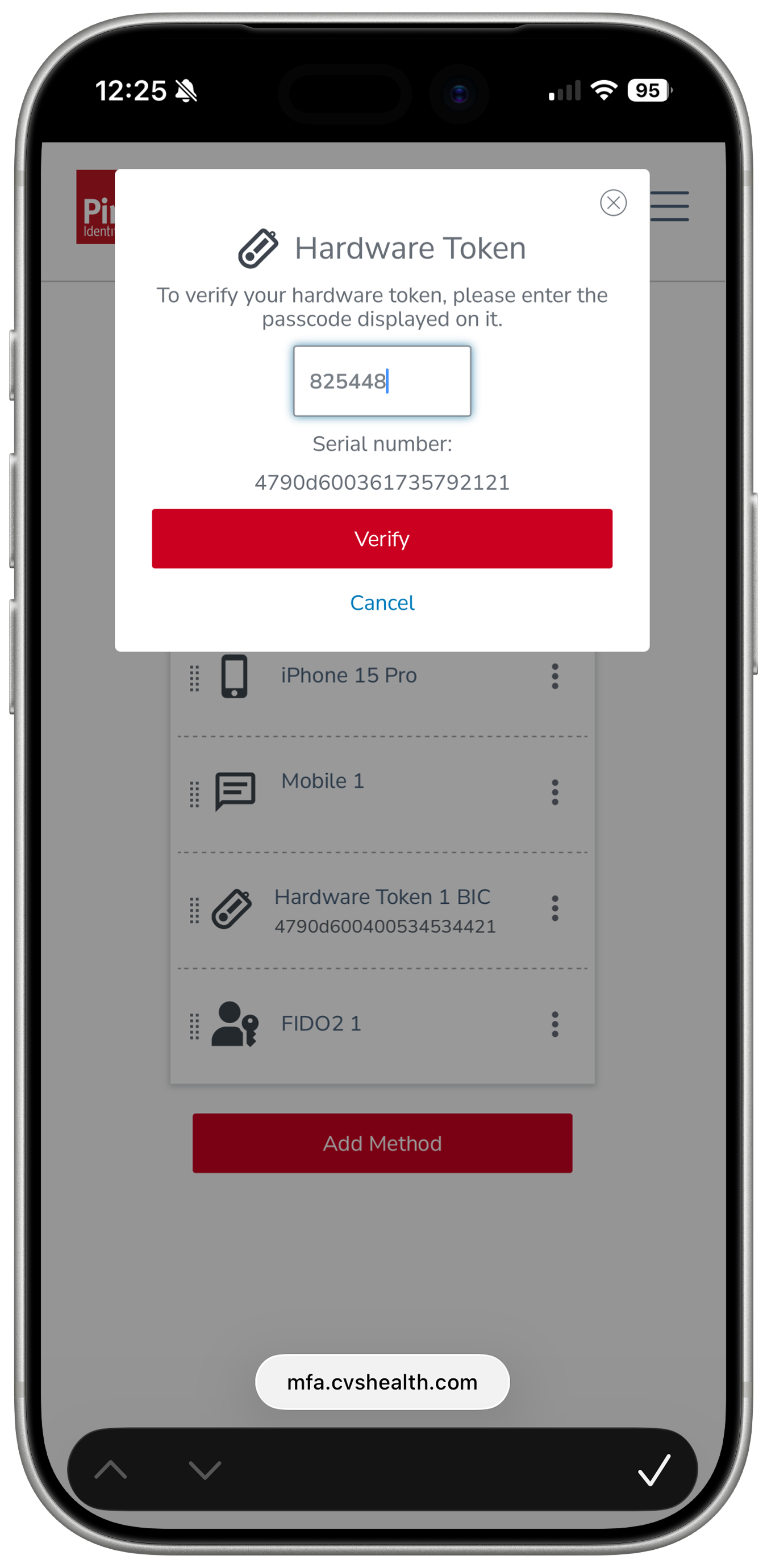
This time the key types just 6 digits.
Tap Verify.
Done — your hardware key is registered with PingID.